LabelsComparison
Label Applicator vs Printer and Print-and-Apply
A label printer makes the label, an applicator places a preprinted label, and print-and-apply does both when the data changes by pack. Width, speed and price stay blank.
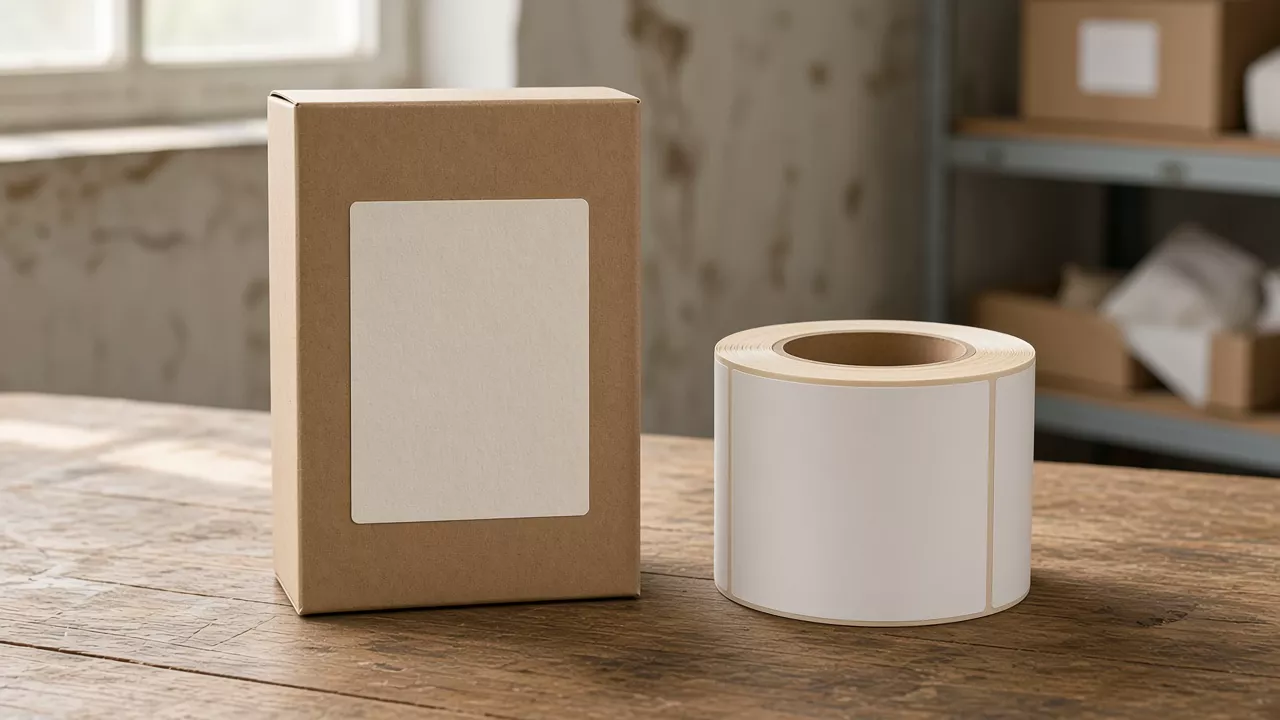
A wrong lot code on a preprinted roll wastes that roll when the machine at the line can only place labels that were printed earlier. A label printer makes the label, a label applicator places a preprinted label, and a print-and-apply unit prints the label and then places it when the data changes by pack.
Use the data, not the catalog name. If every pack carries the same label, Videojet’s applicator description fits: the label is already printed, and the line holds a stock of those rolls. If the barcode, date or address changes by pack, HERMA’s print-and-apply description fits: the printer and the applicator are one unit, and the print data arrives before the label is dispensed. A printer that never meets the pack does only the print step. Label width, line speed and price are blank below. None of the pages read for this comparison states them as a shared figure.
| Item | What the opened pages state | Why it matters |
|---|---|---|
| Same label on every pack | Videojet describes an applicator as applying preprinted labels, and says that route means keeping a stock of those labels. Retrieved 11 October 2026. | The print file is not at the applicator. |
| Data changes by pack | HERMA describes print-and-apply as one unit that prints and then dispenses, for labels that carry different data. Page fetched 7 October 2026. | The data file has to reach the print module before the label is placed. |
| The word “applicator” on a brochure | Quadrel’s FAQ, modified 17 April 2017 and retrieved 11 October 2026, defines a label applicator as a machine that prints and applies pressure-sensitive labels. | The name does not settle which of the three jobs the machine does. |
| Print resolution | HERMA states 200, 300 and 600 dpi for its PA4 and PA6 systems. | Those figures belong to those two systems. |
| Label width | ||
| Line speed | ||
| Price |
What does each machine do with the label?
The three rows below are job descriptions compiled from the supplier pages, not a ranking and not a test on this site.
Videojet’s labeler page, retrieved 11 October 2026, draws the split this way. Print-and-apply systems print labels on demand, including variable data such as barcodes and expiration dates. Videojet says that flexibility suits product information that changes often, and that it reduces the need to hold preprinted label inventory. Label applicators, on the same page, apply preprinted labels where the labelling stays the same, and that route requires a stock of preprinted labels.
HERMA’s print-and-apply page, fetched 7 October 2026, uses the combined unit for the second of those jobs. HERMA says these systems combine a label printer and an applicator, print the label, and then dispense it onto the product or packaging. HERMA recommends that arrangement for labels that carry different data, and calls it late-stage customization. Print data for HERMA’s systems is provided through a Windows printer driver or design software. The page names Easylabel, Codesoft and Nicelabel. HERMA also says industrial print modules can be integrated, and it names Zebra, SATO and Datamax among them. HERMA says those modules can be thermal transfer or direct thermal; for leuco-dye heat ceilings, wax and resin ribbon pairing, printhead mileage, and ISO/IEC 15416 barcode retention, see direct thermal vs thermal transfer labels.
Quadrel’s FAQ does not use Videojet’s split. The page defines label applicator machines as equipment that prints and applies pressure-sensitive labels. The same retrieved page lists “Print & Apply” and “Label Applicators” as separate groups in its navigation. A wipe-on applicator and a printer applicator both appear there. Common mistake: reading the word applicator as proof that the machine does not print. On Quadrel’s FAQ, that word includes printing.
| Factor | Label printer only | Applicator placing preprinted labels | Print-and-apply |
|---|---|---|---|
| Prints the label | Yes. The pack is not at this machine. | No, in Videojet’s description. The roll arrives already printed. | Yes. HERMA: the printer and the applicator are one unit. |
| Places the label on the pack | No | Yes. Videojet: preprinted labels are applied. | Yes. HERMA: the label is dispensed onto the product or packaging after printing. |
| When the data is used | At the earlier print step | Before the roll is loaded. A code change means a new roll. | At the unit. HERMA: a driver or the named design software sends the print data. |
| Stock at the line | Printed labels, held until something else places them | Preprinted rolls. Videojet says the plant manages that stock. | Blank labels plus the data feed. Videojet says on-demand printing reduces preprinted inventory. That sentence is Videojet’s. |
| Resolution | 200, 300 and 600 dpi on HERMA PA4 and PA6 | ||
| How the label meets the pack | Quadrel names air blow, and wipe-on or roll-on with a brush or roller. Its air-cylinder tamp is described as a tamp cylinder plus an air burst. | HERMA describes a suction stamp whose sensor detects label height, on its systems. HERMA also says automatic detection of product size is possible. | |
| Label width | |||
| Line speed | |||
| Price |
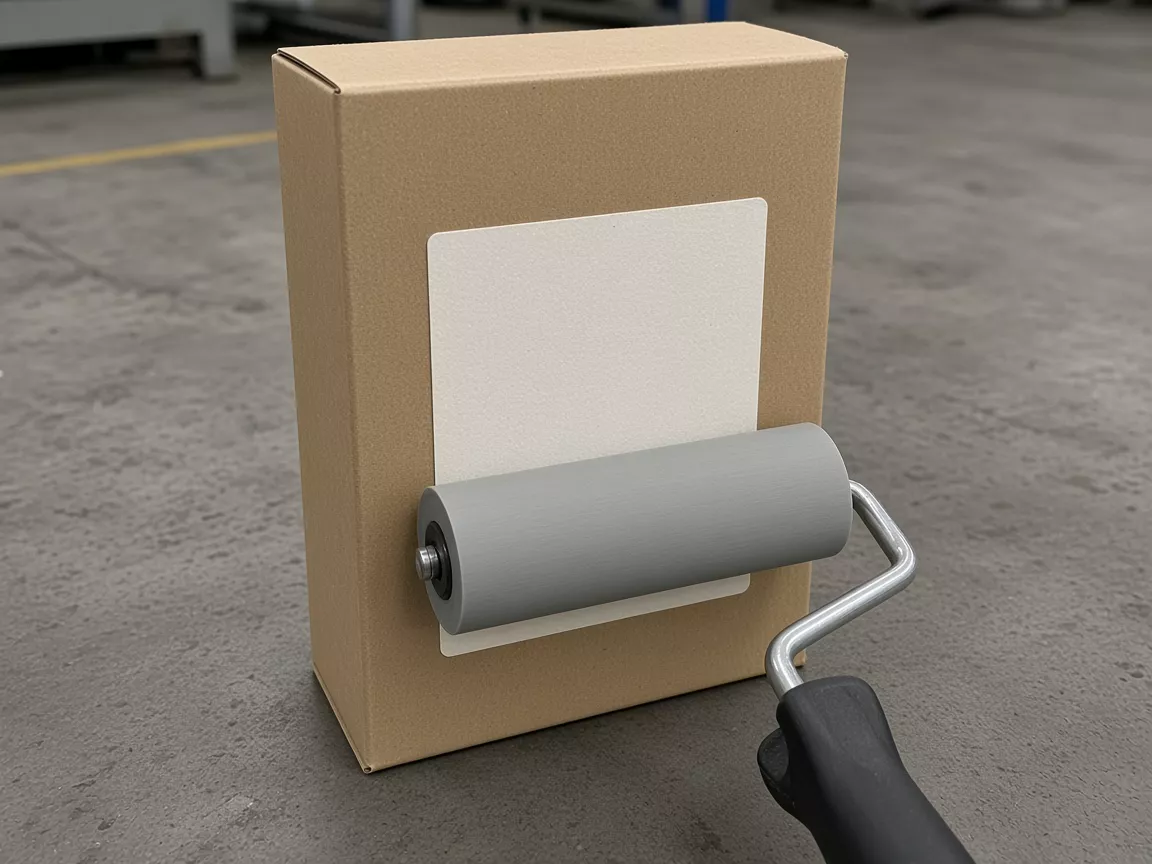
Quadrel’s air-blow sentence says a burst of air carries the label from the liner to the pack without a tamp cylinder. The wipe-on sentence says a brush or roller wipes the label into place. Those are application methods for a label that is already on a liner. They do not say whether the label was printed on this machine or on an earlier one.
Takeaway: Write the function on the job ticket. Printer only, preprinted applicator, or print-and-apply. Leave the brochure’s product name off that line.
Where does a fixed label differ from a variable label?
A fixed label is the same artwork on every pack. A variable label changes with the pack or the lot: a barcode, a date, an address, or another code. HERMA’s logistics examples for print-and-apply are address and shipping labels, individual identification labels, and shipping labels that include graphics plus a data matrix, barcode or QR code. Those examples are HERMA’s, for its systems.
The path below is the reading of the two descriptions side by side. It is not a wiring diagram, and it is not a claim that every brand uses HERMA’s driver list.
| Step | Fixed label, applicator with preprinted rolls | Variable label, print-and-apply |
|---|---|---|
| 1 | Artwork is printed before the roll reaches the line. | The data file reaches the print module. HERMA names a Windows printer driver or Easylabel, Codesoft or Nicelabel for its systems. |
| 2 | The applicator peels and places that roll. Videojet: no print step in this machine. | The unit prints the label and dispenses it onto the pack. HERMA: print, then immediate dispense. |
| 3 | A new code means a newly printed roll, and the old roll is the waste if the code was wrong. | A new code means a new data file. The blank stock stays. |
| Label width | ||
| Line speed | ||
| Price |
A label printer sitting apart from the pack covers step 1 of the fixed path, or the print half of a variable job when a separate applicator will place the labels later. It does not cover step 2.
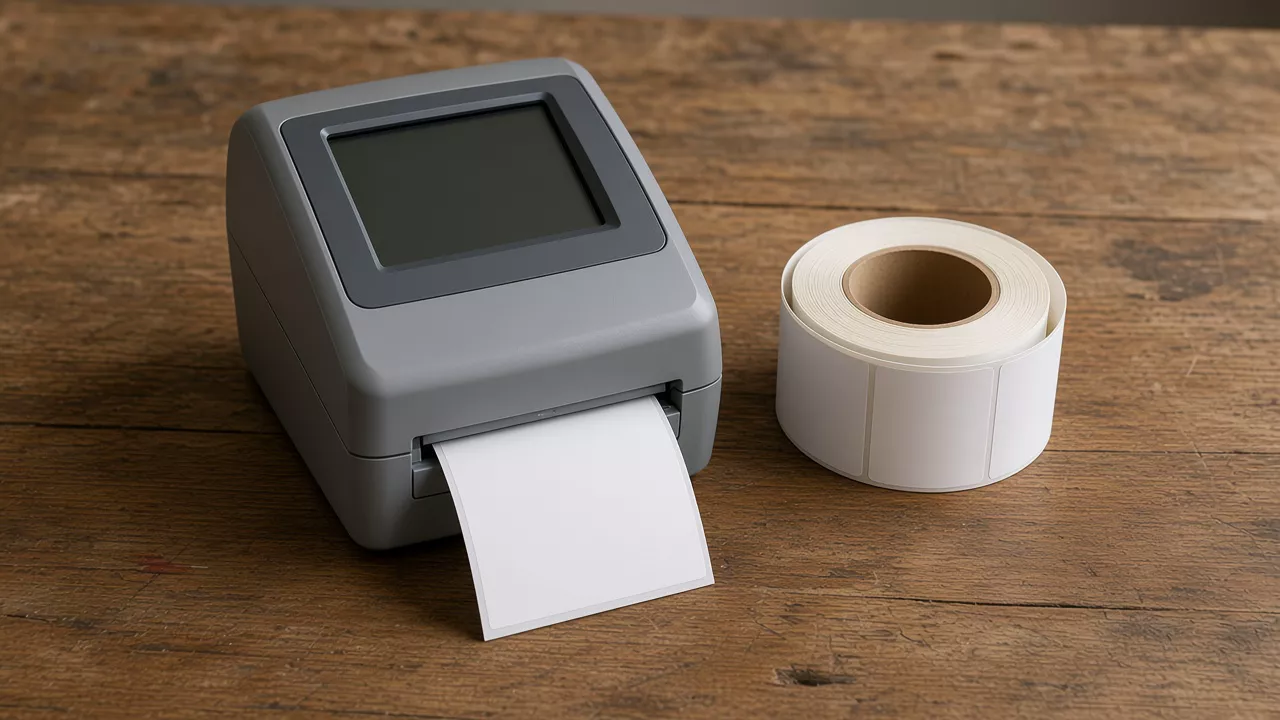
Copy the input rows. Leave the result column empty until the line’s own file and stock are written in.
| Job input | Fixed label | Variable label | Result on this line |
|---|---|---|---|
| Who prints | An earlier printer. The applicator does not. | The print module on the print-and-apply unit. | |
| What is loaded | A preprinted roll | Blank label stock | |
| What file arrives at the labeller | The print file. On HERMA’s systems, via the driver or the named design software. | ||
| What a code change replaces | The roll | The file | |
| Hand of the machine, if the unit has one | HERMA says its systems can be right-hand or left-hand. | ||
| Label width | |||
| Line speed | |||
| Price |
Takeaway: A fixed label fails in the roll. A variable label fails in the file. The blank result column is where this line’s own answer goes.
What do you record when a print fails, a label misses, or a code is reprinted?
The pages read here describe pieces of those events. They do not give one procedure that every machine follows. The right-hand column stays empty so a later note from the equipment maker is not confused with these descriptions.
| Event | What the opened page says | What this line does |
|---|---|---|
| The print is unreadable | HERMA states that its systems securely transfer the last label printed. | |
| The label does not land on the pack | Cubiscan’s print-and-apply page, retrieved 11 October 2026, describes a label verification scan in its process. | |
| The same code would be printed again |
HERMA’s sentence is about transfer of the last label its systems printed. It does not state that a bad print is held back. Cubiscan’s scan is described for Cubiscan’s process. A line that does not have that scan leaves the cell empty rather than copying the sentence in as a feature it owns.
Takeaway: Three blank cells belong on the handover: bad print, missed label, reprint of the same code.
What this page does not decide
Thermal transfer versus direct thermal is a print-method choice. HERMA says either can be integrated in its print-and-apply systems. This page does not compare ribbons, printheads or supplies.
Face stock is a different choice. Paper versus film label materials shortlists the sheet. It does not choose the printer, the applicator or the print-and-apply unit.
Wet glue and other attachment methods are also outside this comparison. The supplier pages used here describe pressure-sensitive labels leaving a liner. Pressure-sensitive and wet-glue labels compare where the adhesive comes from. The labels section sets those routes beside sleeves and in-mould labels.
Postal content rules, desktop label-maker rankings, and any interface list beyond the software names HERMA prints on its own page are out of scope. Label width, line speed and price stay blank because the opened pages do not give a figure that applies across the three jobs.
Takeaway: Stop when the function, the data path and the three exception lines are written. Leave width, speed and price empty.
How this comparison was assembled
The tables are compiled from four public supplier pages, not from a trial run for this article. Videojet’s split between on-demand print-and-apply and applicators for preprinted labels comes from its labeler page, retrieved 11 October 2026. HERMA’s description of a combined printer and applicator, the driver and design-software names, the 200, 300 and 600 dpi figures for PA4 and PA6, the suction-stamp sensor, and the secure transfer of the last printed label come from its print-and-apply page, fetched 7 October 2026. Quadrel’s definition of an applicator as a machine that prints and applies, and its air-blow, wipe-on and tamp wording, come from its FAQ, modified 17 April 2017 and retrieved 11 October 2026. Cubiscan’s label verification scan is one sentence from its print-and-apply page, retrieved 11 October 2026. No width, speed or price was added. Corrections to this page are described in the editorial policy.
Frequently Asked Questions
Is a label maker the same as a label applicator?
No. A label maker prints the label and does not place it on the pack. Videojet describes a label applicator as a machine that places preprinted labels. HERMA describes print-and-apply as one unit that prints and then dispenses. Quadrel's FAQ uses the words label applicator for machines that print and apply, so the job record should name the function.
What is a barcode printer used for?
On the pages read here, a barcode is something the printer puts on the label. HERMA describes print-and-apply systems as printing barcodes, data matrix codes and QR codes, then dispensing the label. A barcode printer that only prints does not place that label.
Sources
- Print & Apply systems (HERMA)
- Label applicator machines and print and apply labelers (Videojet)
- What is a label applicator? (Quadrel)
- Print and apply labeling systems (Cubiscan)